Visual Studio Code is popular IDE for developing software commonly used by software engineers, developers and DevOps folks.
It is open source and lightweight but powerful source code editor which runs on your desktop and is available for Windows, macOS and Linux. It comes with built-in support for JavaScript, TypeScript and Node.js and has a rich ecosystem of extensions for other languages and runtimes (such as C++, C#, Java, Python, PHP, Go, .NET).
Jenkins has powerful feature of master slave architecture which enables distributed builds. This article we will learn how to setup slave nodes using Docker and integrate with Jenkins Master.
Advantages of using Docker Containers as Jenkins Build Agents
Ephemeral
Better resource utilization
Customized agents as it can run different builds like Java 8, Java 11
Scalability
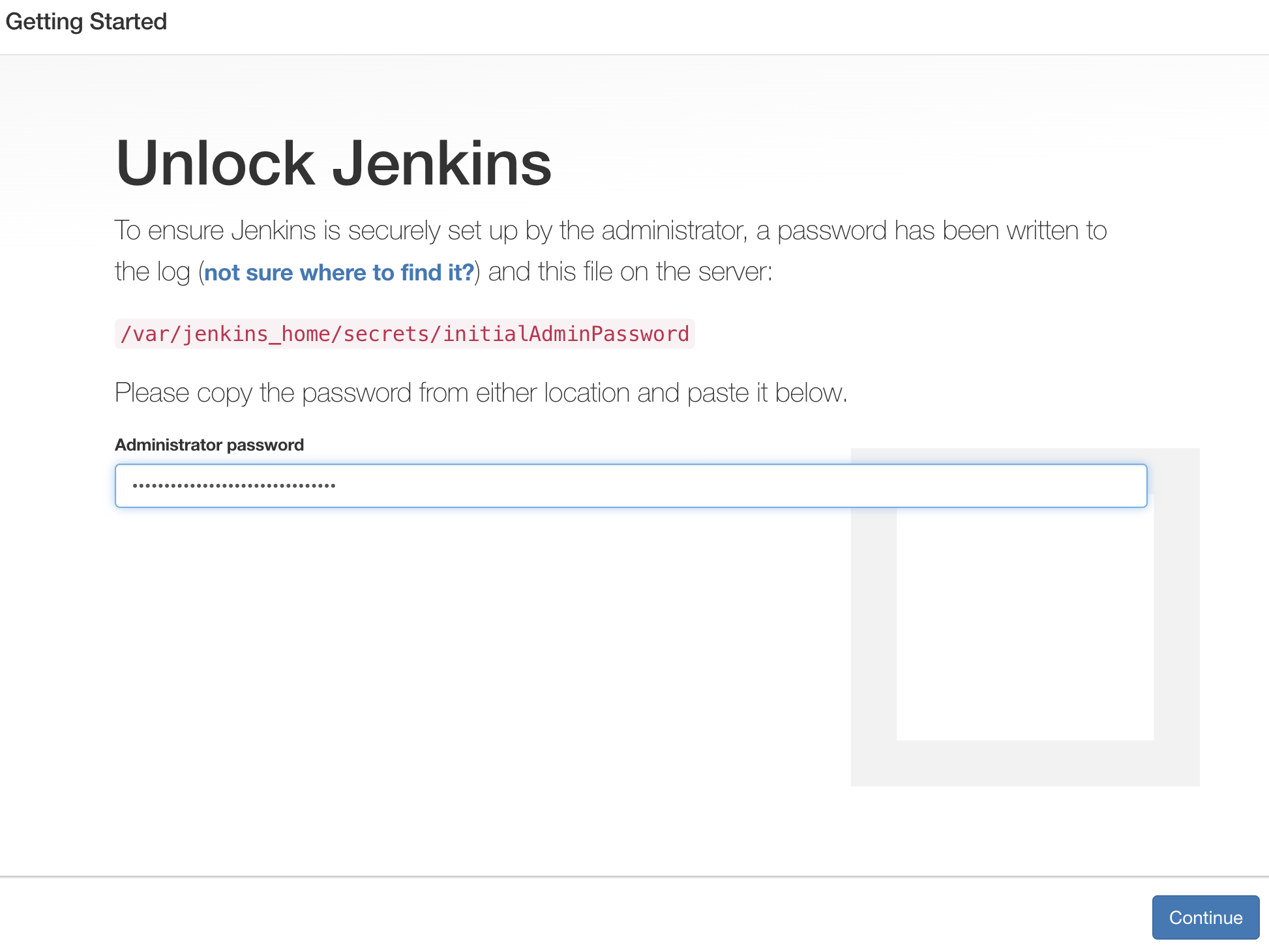
Let us see how to configure slave nodes dynamically using Docker. If you like to learn how to setup Jenkins Master on Ubuntu EC2 instance, click here.
Jenkins is an open source continuous integration/continuous delivery and deployment (CI/CD) automation software DevOps tool written in the Java programming language. It is used to implement CI/CD workflows, called pipelines.
How to setup Jenkins using Docker Compose?
Jenkins is Continuous integration server. It is open source and Java based tool. Jenkins can be setup using Docker Compose with less manual steps.
What is Docker Compose?
Compose is a tool for defining and running multi-container Docker applications. With Compose, you use a YAML file to configure your application’s services. Then, with a single command, you create and start all the services from your configuration. Since Docker Compose lets you configure related containers in a single YAML file, you get the same Infrastructure-as-Code abilities as Kubernetes. But they come in a simpler system that’s more suited to smaller applications that don’t need Kubernetes’ resiliency and scaling.
The purpose of docker-compose is to function as docker cli but to issue multiple commands much more quickly. To make use of docker-compose, you need to encode the commands you were running before into a docker-compose.yml file
Run docker-compose up and Compose starts and runs your entire app.
Pre-requisites:
New Ubuntu EC2 up and running with at least t2.small
Port 8080 is opened in security firewall rule
Perform system update
sudo apt update
Install Docker-Compose
sudo apt install docker-compose -y
Create docker-compose.yml
this yml has all configuration for installing Jenkins.
sudo vi docker-compose.yml
(Copy the below code high-lighted in yellow color)
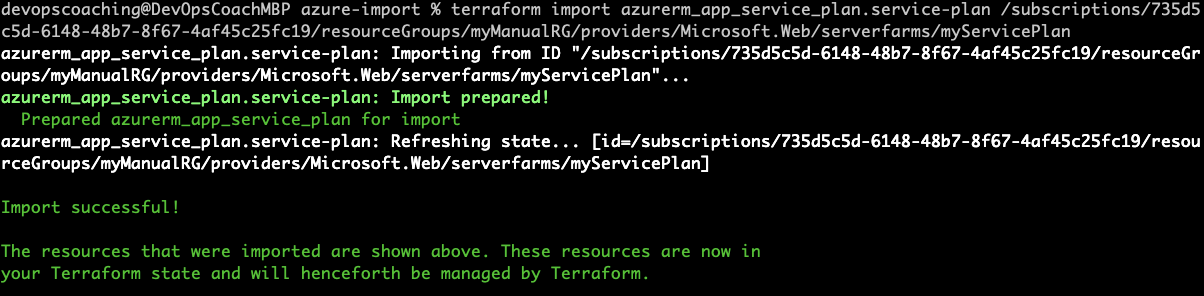
Let's say that you have created any resources in Azure Cloud by some other means(manually or using azure CLI) before you started using Terraform. You can import them under Terraform management instead of destroying and re-creating them from scratch. Theterraform importcommand can be used to import existing resources.
This command currently can import only one resource at a time. This means you can't yet point Terraform import to an entire collection of resources such as azure resource group and import all the resources under that group.
To achieve this import exercise, we will do the following:
1. Create resource group, app service manually in Azure cloud (yes, by not using terraform)
2. Create terraform file and write code to create the resource.
3. Run terraform apply to see the error complaining resource exists
4. run terraform import
5. Verify in the state file that resource is imported into Terraform state.
6. Perform terraform destroy to clean up the imported resources
Watch the steps in YouTube channel:
Pre-requistes:
1. Install Terraform on your machine
2. Azure account setup
3. VS Code or any IDE
Let's create the resource manually in Azure Cloud first
To import any resource, create a tf file first write a resource block for it in your configuration, establishing the name by which it will be known to Terraform:
We are going to learn how to deploy Springboot Microservices Docker containers into Azure Kubernetes Cluster(AKS) using Azure pipelines. I have created a sample Springboot App setup in GitHub. Click here to access code base in GitHub.
Watch the steps in YouTube Channel:
Pre-requisites:
1. AKS cluster needs to be up running. You can create AKS cluster using any of one of the below options: