Error: kubernetes cluster unreachable: exec plugin: invalid apiversion "client.authentication.k8s.io/v1alpha1"
Hands on DevOps Coaching provided using AWS & Azure Cloud. please contact Coach AK at devops.coaching@gmail.com for more info.
Monday, October 30, 2023
Fix for Kubernetes Deployment Error using helm chart | Error: kubernetes cluster unreachable: exec plugin: invalid apiversion "client.authentication.k8s.io/v1alpha1"
Friday, May 19, 2023
How to Deploy Springboot Microservices App into EKS cluster using Jenkins Pipeline and Helm | Deploy Microservices into EKS cluster using Helm and Jenkins Pipeline
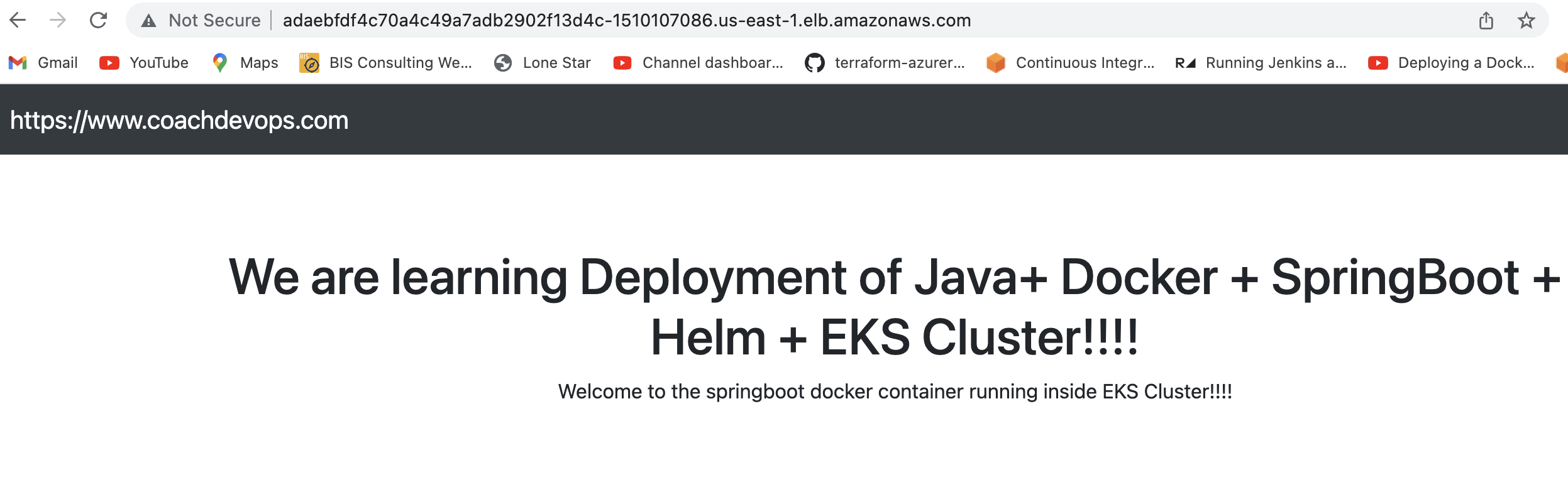
We are going to learn how to automate build and deployment of Springboot Microservices Docker Container into Elastic Kubernetes Cluster(EKS) using Helm and Jenkins pipeline.
What is Helm?
Helm is a package manager for Kubernetes. Helm is the K8s equivalent of yum or apt. It accomplishes the same goals as Linux system package managers like APT or YUM: managing the installation of applications and dependencies behind the scenes and hiding the complexity from the user.
I have created a sample Springboot App setup in GitHub. Click here to access code base in GitHub.
Jenkins pipeline will:
- Automate maven build(jar) using Jenkins
- Automate Docker image creation
- Automate Docker image upload into Elastic container registry(ECR)
- Automate Springboot docker container deployments into Elastic Kubernetes Cluster using Helm charts
Click on Global credentials

use secret file from drop down.
Make sure you change below red marked values as per your settings highlighted in yellow below:
Thursday, May 4, 2023
How to Deploy Springboot Microservices into AKS cluster using Helm and Azure Pipelines | Deploy Docker Containers into AKS cluster using Azure Pipelines | Deploy Microservices into AKS cluster using Helm and Azure Pipelines
We are going to learn how to deploy Springboot Microservices Docker container into Azure Kubernetes Cluster(AKS) using Helm and Azure pipelines.
Sample springboot App Code:
I have created a sample Springboot App setup in GitHub. Click here to access code base in GitHub.
Helm is a package manager for Kubernetes. Helm is the K8s equivalent of yum or apt. It accomplishes the same goals as Linux system package managers like APT or YUM: managing the installation of applications and dependencies behind the scenes and hiding the complexity from the user.
Helm Charts
Helm uses a packaging format called Charts. A Helm Chart is a collection of files that describe a set of Kubernetes resources. Helm Charts helps you define, install, and upgrade even the most complex Kubernetes application. Charts are easy to create, version, share, and publish.
Implementation steps:
- Create a resource group, AKS cluster and Azure container registry
- Provide pull access for AKS to pull image from ACR
- Create a namespace for helm deployment
- Create a helm chart for spring boot app
- Create a build pipeline to automate docker image
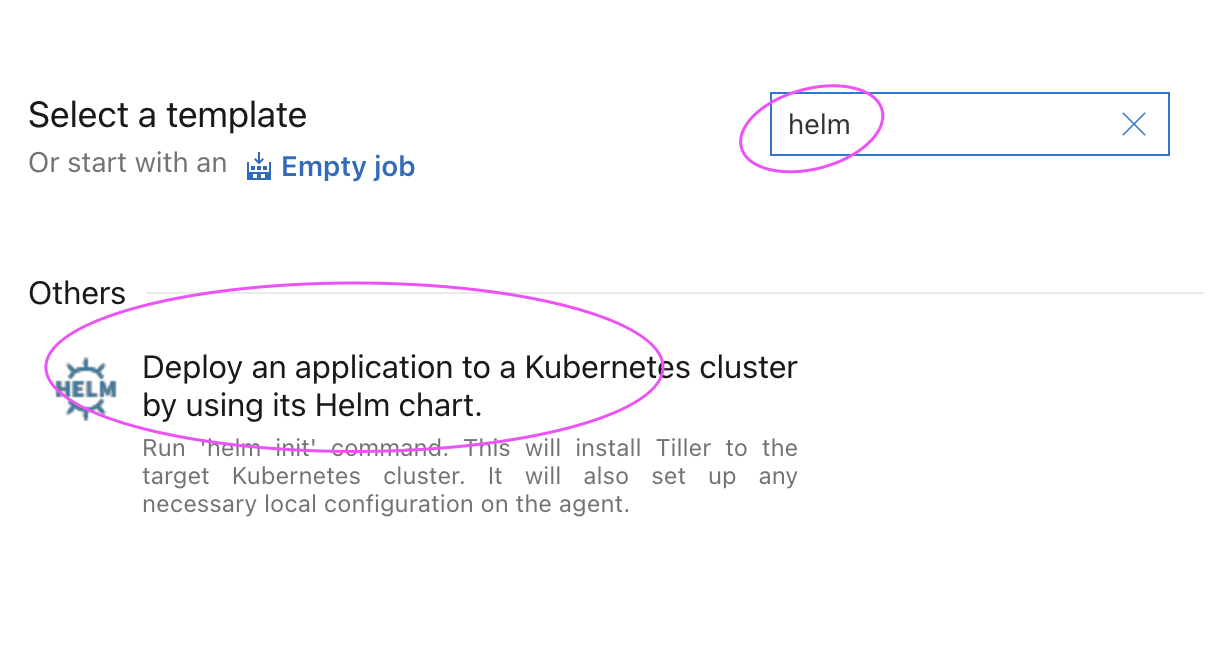
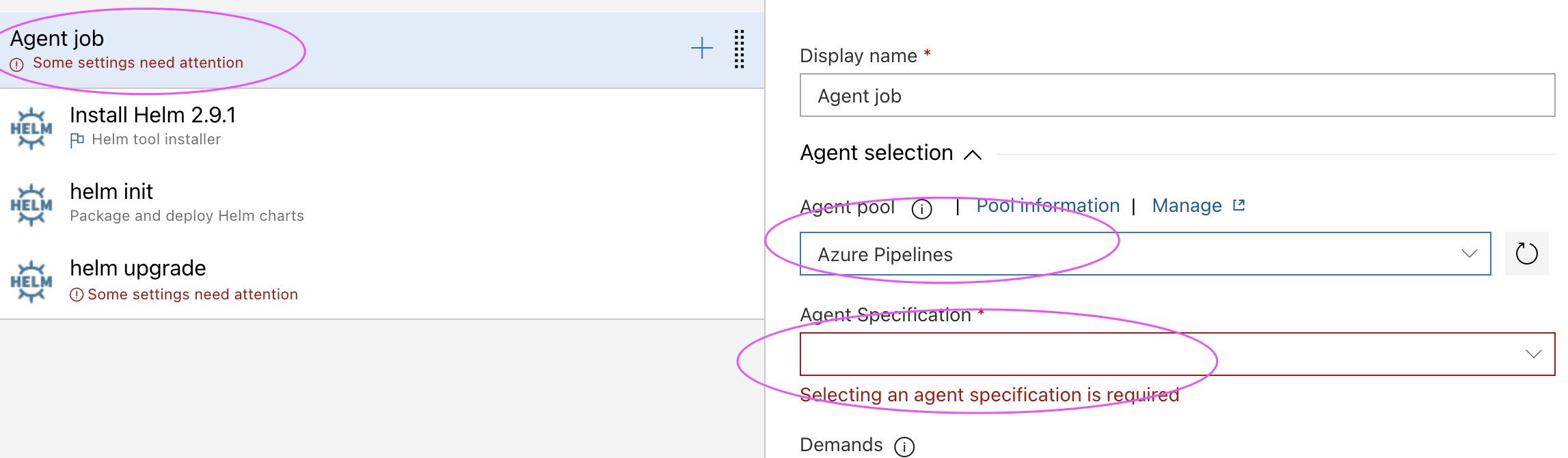
- Customize pipeline with helm package tasks
- Create a release pipeline
- Customize pipeline with helm upgrade tasks
- Run the pipeline to deploy springboot app into AKS
- Verify deployments in the namespace in AKS
- Use kubectl port forward to access app locally
- Access the app in the browser
- Azure CLI is installed on your local machine.
- Helm installed
- kubectl installed
- Azure subscription, click here if you don't have one.
- AKS cluster needs to be up running. You can create AKS cluster, ACR Repo using shell script provided in my website.
- Azure DevOps project dashboard in https://dev.azure.com/
- Dockerfile created along with the application source code for springboot App.
- Make sure AKS has pull access from ACR
Enter your repo name and branch name where you have stored your source code along with Dockerfile:

Clean up Resources
Let us see how to clean up the resources that were created. We can use az group delete command to remove the resource group, AKS cluster, and all related resources.
az group delete --name aks-rg --yes --no-wait
-
Let's learn how to connect to an EC2 instance running in AWS from your local machine. Your local machine can be Windows laptop or MacBoo...
-
We get these questions a lot from the teams we are coaching at my customer's work place How to create microservices? How to break...
-
Amazon Elastic Container Registry (ECR) is a fully managed container registry service provided by Amazon Web Services (AWS). It allows user...